FREE PRINTABLE · 2-PAGE PDF
Party Menu Balance Planner
Build a menu by role - arrival snack, fresh item, hot anchor, filling item, dessert, drinks, and backup - instead of adding random dishes. Fill in the top fields for “Guest count”, “Party length”, “Meal overlap?”, and “Service style”, then use the 2-page worksheet to work through the “Menu Roles”, “Support”, and “Reality Check” blocks in order. Use it while making the related decision, then carry the final choice into the day-of plan instead of maintaining two competing versions.
Fill in the constraints before the solutions
Fill in “Guest count”, “Party length”, “Meal overlap?”, and “Service style” first. The worksheet is most useful when the real limit is visible before you commit to extra tasks, equipment, or setup.
Work through Menu Roles first
The “Menu Roles” block covers “Arrival snack”, “Fresh / crunchy”, and “Hot anchor”. Then move to “Support” for “Bread / starch”, “Dessert”, and “Drinks + water”. If one choice creates a collision, simplify it before moving to the next block.
Use Reality Check as the final pressure test
Review “Fits one oven / kitchen?”, “At least two make-ahead items”, and “Not every item needs utensils”. Keep only decisions that reduce a real constraint. Leave irrelevant boxes blank rather than creating extra work to complete the sheet.
Download the 2-page PDF
Build a menu by role - arrival snack, fresh item, hot anchor, filling item, dessert, drinks, and backup - instead of adding random dishes.
Download printable PDFFAQ
Using this printable
What should I fill in first?
Start with the “Guest count” and “Party length” fields. Then move into “Menu Roles” so the sheet starts from the constraint you actually need to solve.
Do I need to complete every box?
No. Use the boxes that affect your event and leave the rest blank. The printable is a decision surface, not a scorecard for how elaborate the party is.
Can I adapt this sheet to a different party format?
Yes. Replace the top-line constraints and write in the actual equipment, quantities, owners, or times for your event. Leave unused boxes blank.
KEEP GOING
More useful hosting help
22 Things to Serve at a Casual Get-Together Without Making Dinner
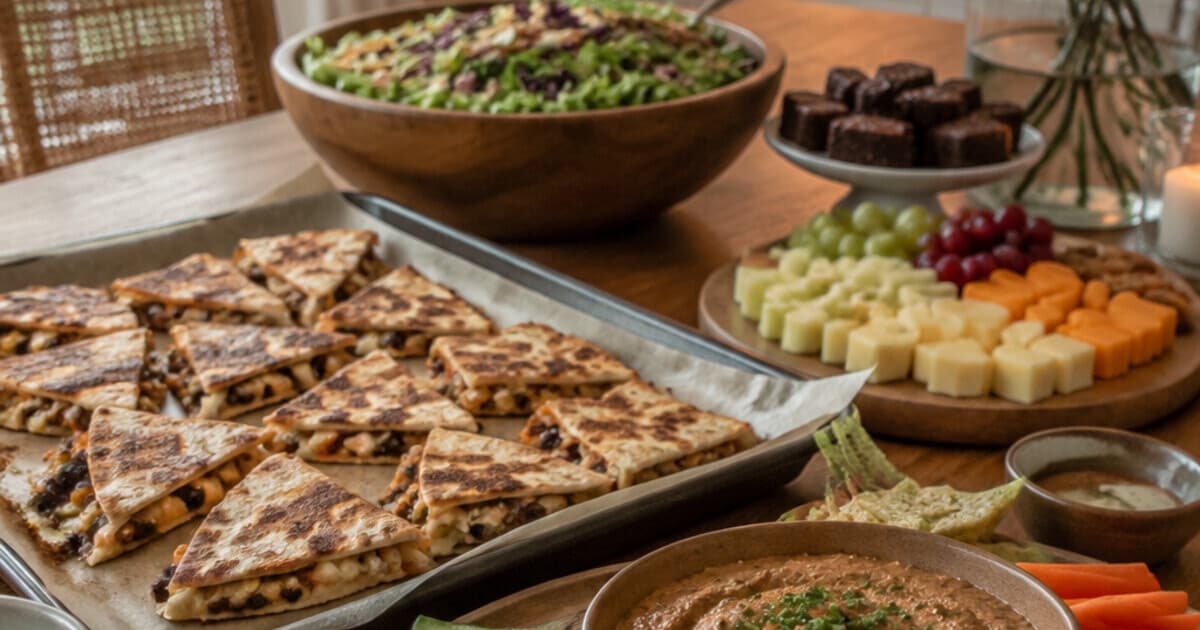
For a casual get-together, serve four categories: one substantial dip/spread, one filling handheld, one fresh/crunchy option, and one easy sweet. If it overlaps a mealtime, increase the filling food.
Make-Ahead Party Food Timeline: What to Prep the Day Before vs. Last Hour
For each dish, write the earliest recipe-supported prep window and final required step. Move stable prep to the day before, assembly earlier on party day, reheating to the last two hours, and fragile finishing to the last hour.
How Much Party Food Per Person? Use Ranges, Not One Magic Number
For a full meal, start around 6–8 oz of main protein per adult, 4–7 bite-size appetizers as a published planning range, and one dessert serving. For sides, start near 4–6 oz for one side and taper each portion as choices grow.